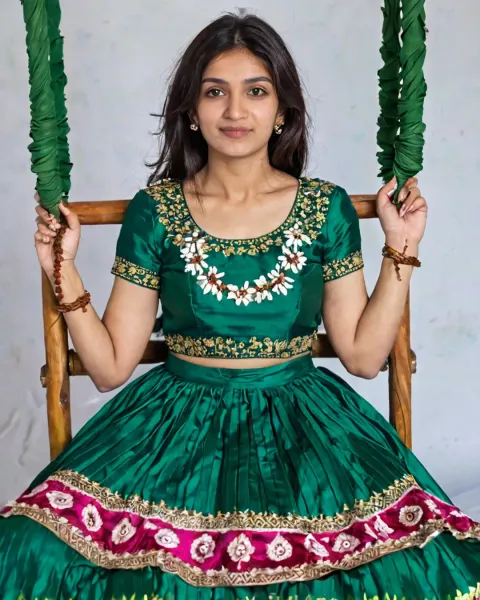
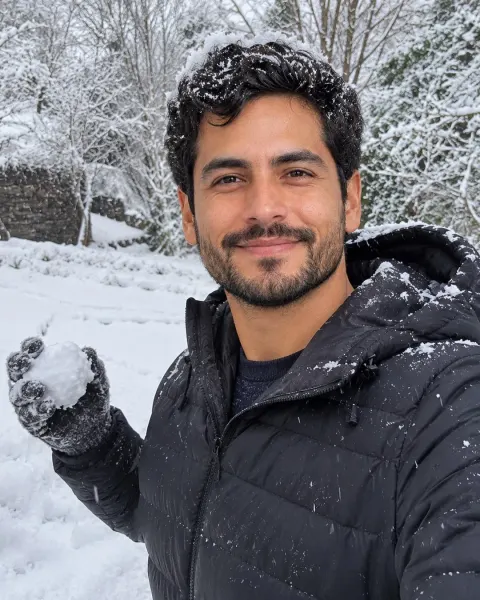
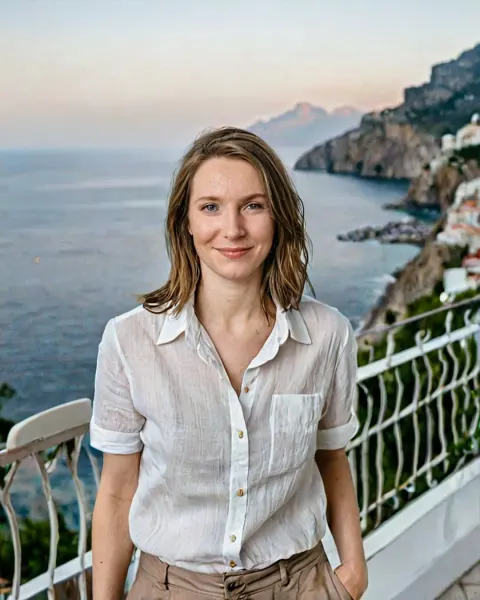
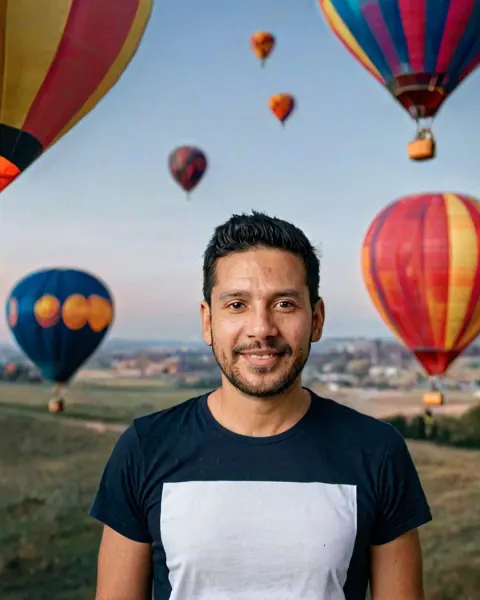
Royal Indian wedding portrait AI Photo Prompt
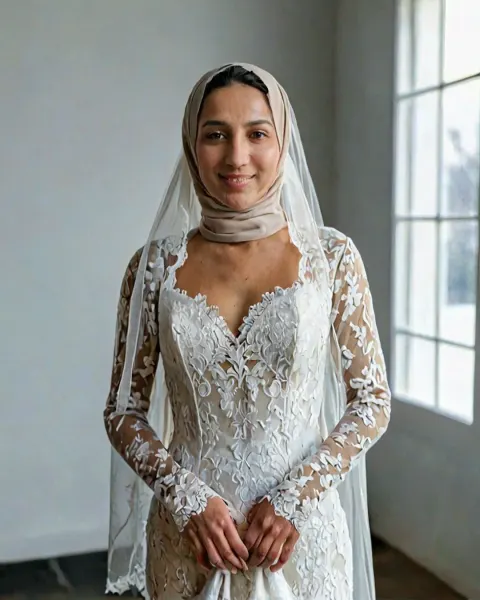
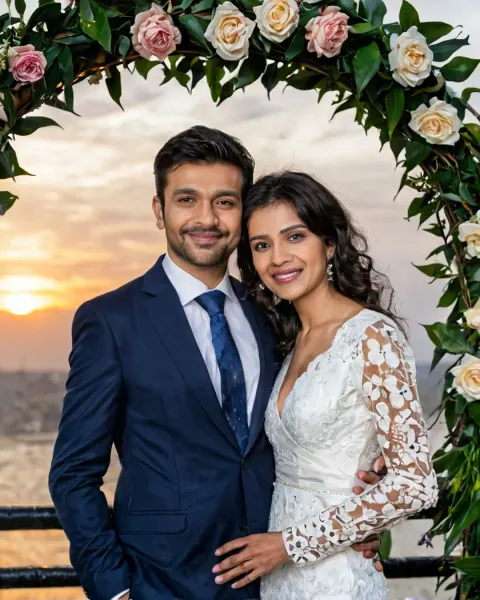
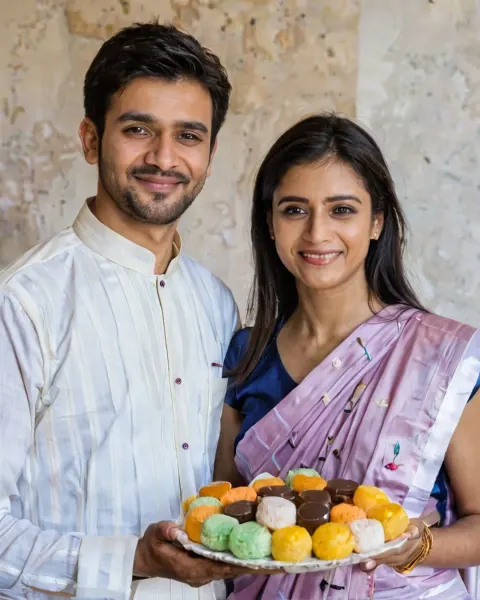
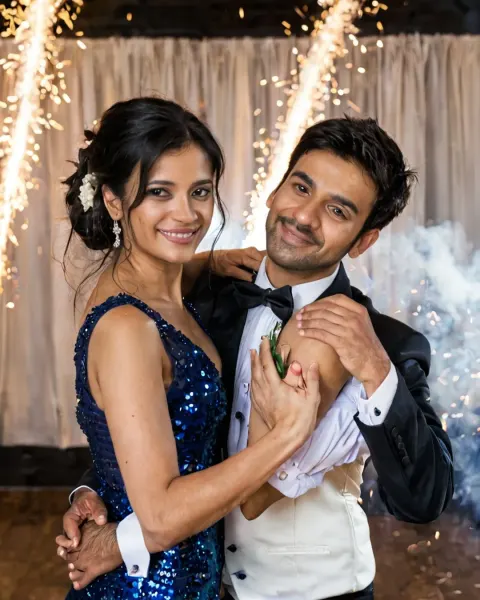
Use the Royal Indian wedding portrait AI photo prompt to get a royal Indian wedding portrait of you and your partner. Free to copy for Gemini or ChatGPT.
The prompt
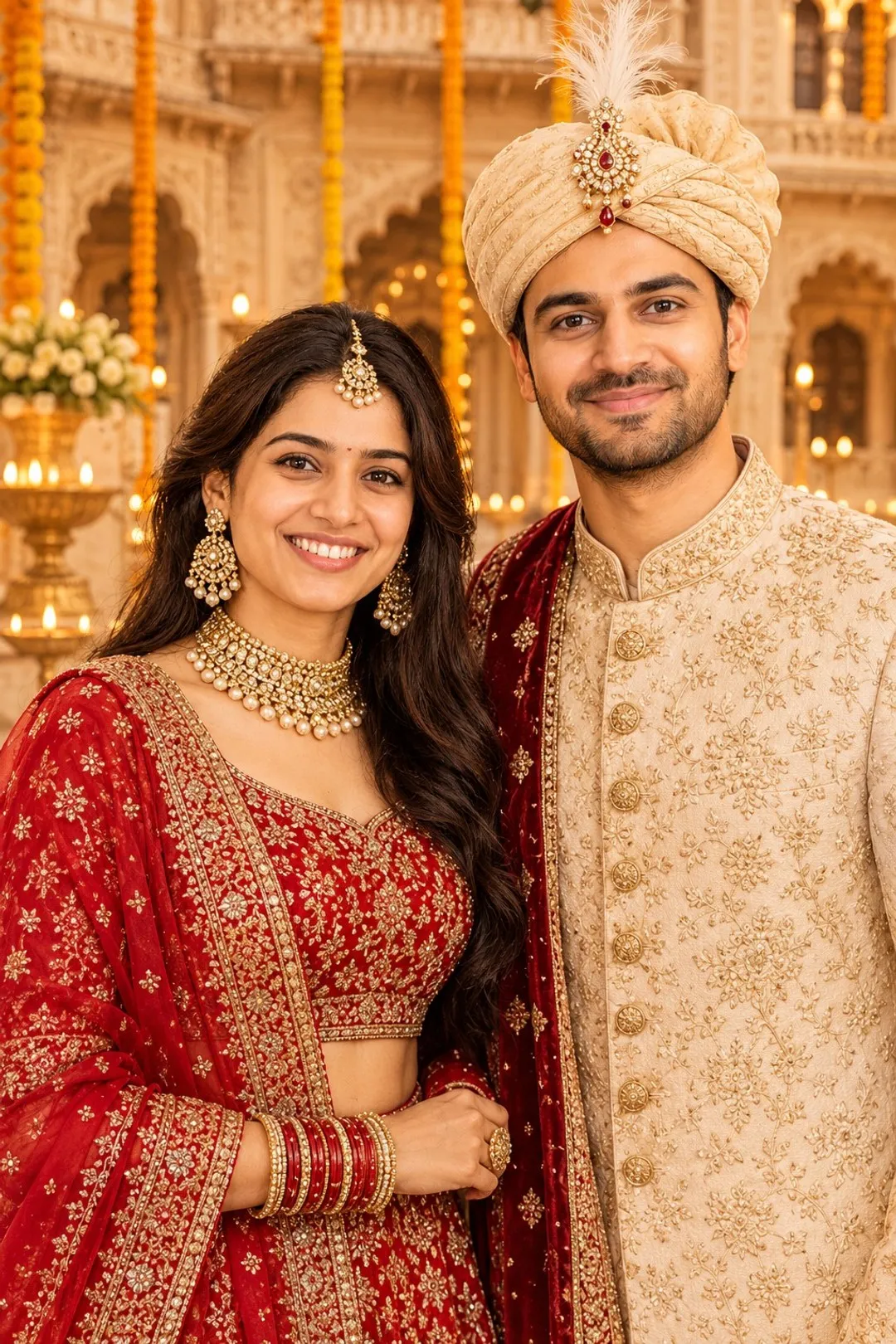
Create a royal Indian wedding portrait of the couple in the uploaded photo: bride in a heavily embroidered red lehenga with gold jewellery, groom in an ivory sherwani with a turban, standing in a palace courtyard decorated with marigold garlands and diyas, warm golden light. Keep both faces exactly as in the photo. Make it look like a real photograph, shot by a professional wedding photographer on a 70-200mm lens. Natural skin texture with visible pores, real hair strands, true-to-life light and shadows, correct hands and body proportions. No airbrushed or plastic skin, no over-smoothing, no CGI or AI-art look.
Category: Wedding AI Photo Prompts · Trending
About this look
This prompt turns a photo of you both into a royal Indian wedding portrait of you and your partner: bride in a heavily embroidered red lehenga with gold jewellery, groom in an ivory sherwani with a turban, standing in a palace courtyard decorated with marigold garlands and diyas, warm golden light. The light is warm golden light, the outfit is heavily embroidered red lehenga and it is framed as if shot on 200mm lens. It also asks for natural skin texture, so the result looks like a photograph, not a glossy render. Use it to plan your wedding look, try outfits on yourself, or make a fun post for the big day.
How to use it in Gemini or ChatGPT
- Tap Copy prompt above.
- Open Gemini or ChatGPT, tap + and upload a clear photo of both of you, faces visible.
- Paste the prompt and send it. The image is ready in under a minute.
- If a detail is off, reply with the fix in plain words (for example "keep my face exactly as in the photo") instead of starting over.
Tips for the best result
- A sharp photo where your face fills a good part of the frame gives the most accurate result.
- Upload one photo where both faces are clear, looking at the camera and not cut off. Two separate photos also work: upload both and say which person is which.
- Night and low-light scenes can make the face too dark. If that happens, add "face softly lit" to the end of the prompt.
Try these variations
- Different light: change "warm golden light" to "bright morning sunlight" for a fresh, bright mood.
- New outfit: replace "heavily embroidered red lehenga" with a denim jacket and white tee.
- Black and white: add "black-and-white, rich contrast" for a timeless version of the same shot.
Questions about this prompt
Do I have to pay for the Royal Indian wedding portrait prompt?
No. The prompt is free. Gemini and ChatGPT both let you create images on their free plans, with daily limits.
Will both faces stay the same with this prompt?
The prompt asks the AI to keep both faces exactly as in your photo. It works best when both of you face the camera in good light; if one face changes, ask it to match the photo again.
What kind of photo should I upload for Royal Indian wedding portrait?
One daylight photo of both of you, faces clear and not cut off. Avoid group photos and heavy filters.