Sepia royal portrait 1900s AI Photo Prompt
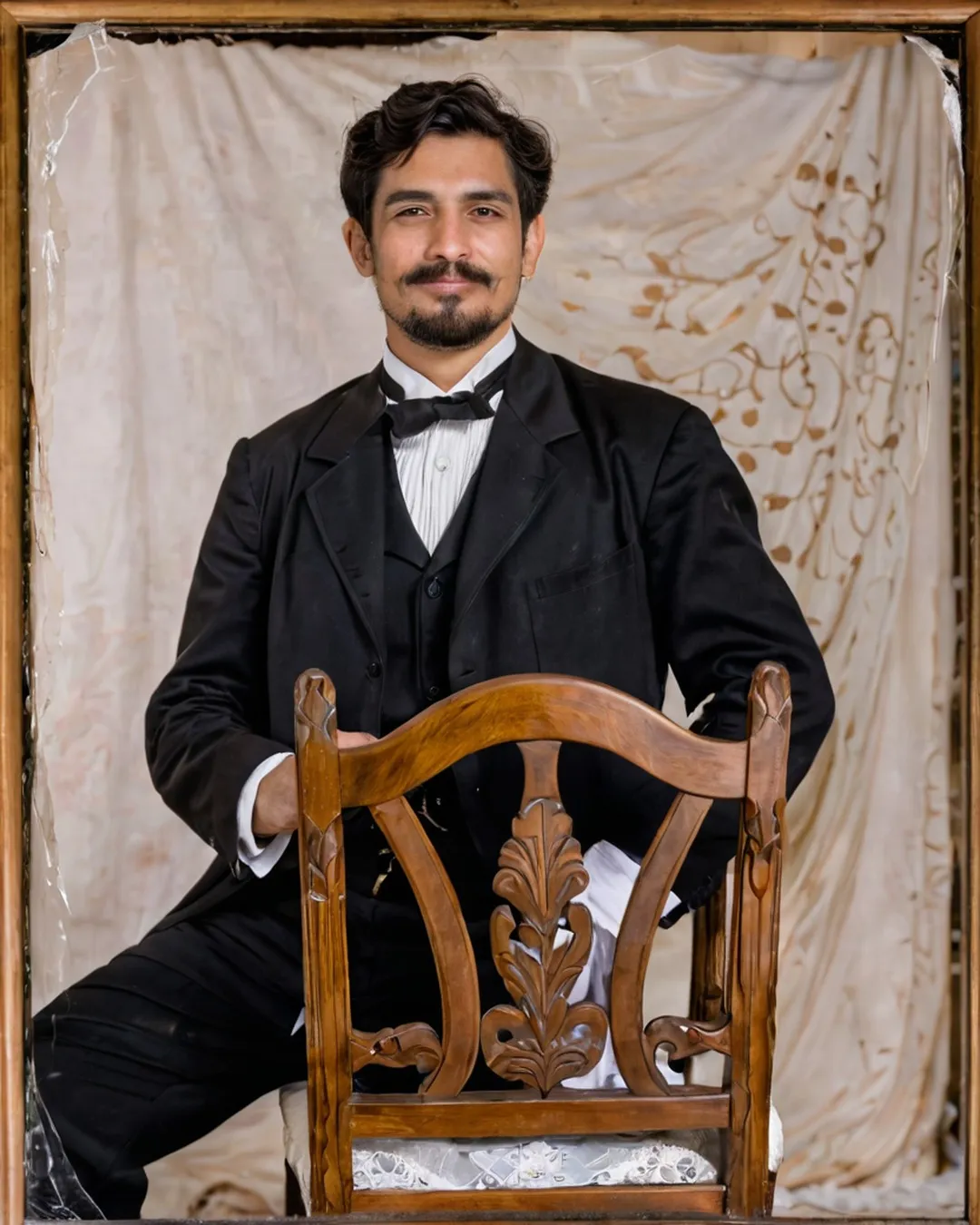
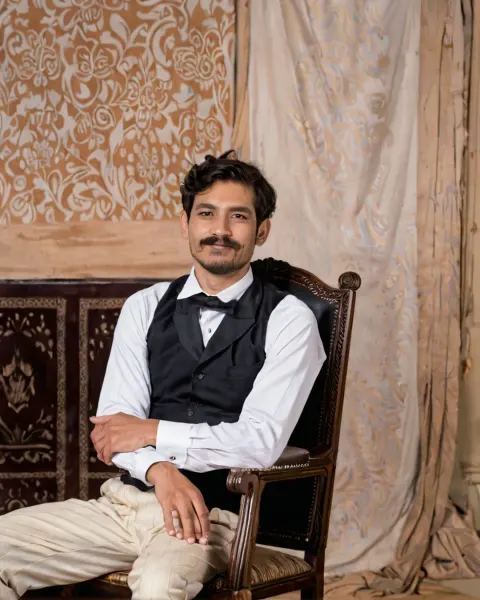
Sepia royal portrait 1900s AI photo prompt: an early 1900s sepia studio portrait, carved wooden chair. Free to copy for Gemini or ChatGPT with your own photo.
The prompt
Turn the uploaded photo into an early 1900s sepia studio portrait: carved wooden chair, heavy drape, formal traditional outfit, cracked glass-plate texture, oval frame. Keep the face exactly as in the uploaded photo: same features, skin tone, age and hairline. Make it look like a real photograph, shot on a vintage 35mm film camera with real film grain and slight imperfections. Natural skin texture with visible pores, real hair strands, true-to-life light and shadows, correct hands and body proportions. No airbrushed or plastic skin, no over-smoothing, no CGI or AI-art look.
Category: Retro & Vintage AI Photo Prompts
About this look
This prompt turns one photo of you into an early 1900s sepia studio portrait: carved wooden chair, heavy drape, formal traditional outfit, cracked glass-plate texture, oval frame. It is framed as if shot on a vintage 35mm film camera with real film grain and slight imperfections. It also asks for natural skin texture, so the result looks like a photograph, not a glossy render. It gives your photo the colours and grain of another decade, perfect for a throwback post.
How to use it in Gemini or ChatGPT
- Tap Copy prompt above.
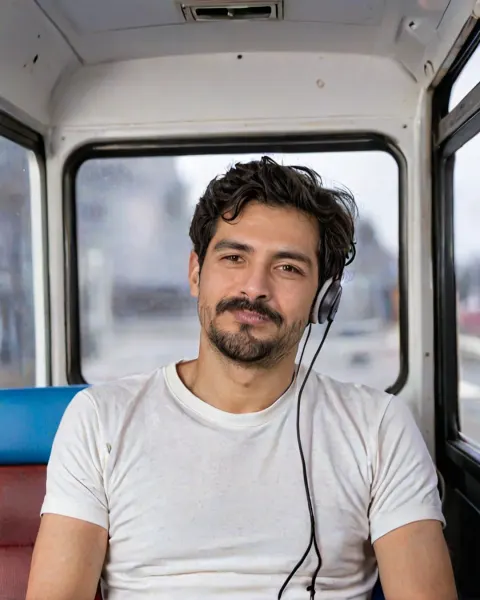
- Open Gemini or ChatGPT, tap + and upload a clear photo that shows at least your upper body.
- Paste the prompt and send it. The image is ready in under a minute.
- If a detail is off, reply with the fix in plain words (for example "keep my face exactly as in the photo") instead of starting over.
Tips for the best result
- Start with one clear, front-facing photo in daylight. Avoid group shots, heavy filters and sunglasses.
- This scene shows more than your face, so use a photo of at least your upper body, ideally full length. The AI then gets your build and posture right.
- Do not upscale or sharpen the result. The grain and soft focus are part of the period look.
Try these variations
- Add a light: put "blue hour with city lights" at the end of the first sentence for a cool evening mood.
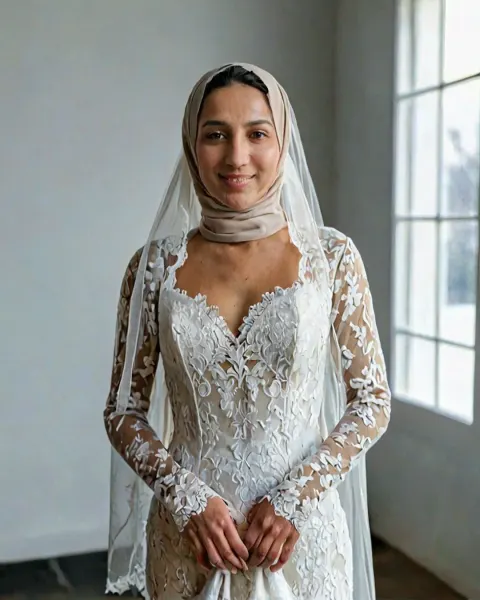
- Pick the outfit: add "wearing an all-white outfit" so the AI does not choose for you.
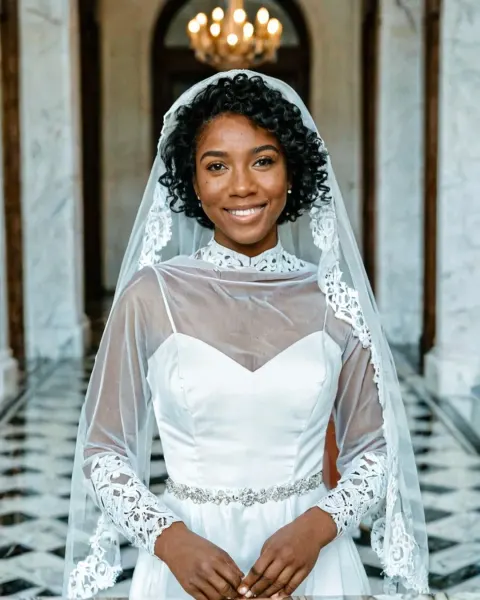
- Couple version: upload a photo of you both and write "the couple" instead of "the person", plus "keep both faces exactly the same".
Questions about this prompt
Do I have to pay for the Sepia royal portrait 1900s prompt?
No. The prompt is free. Gemini and ChatGPT both let you create images on their free plans, with daily limits.
Will the Sepia royal portrait 1900s prompt keep my face the same?
It has a line that tells the AI to keep your face, skin tone, age and hairline as in your photo. Use one sharp, well-lit photo; if the face drifts, ask it to match the photo more closely.
What kind of photo should I upload for Sepia royal portrait 1900s?
A recent daylight photo that shows at least your upper body, so the AI gets your face and build right.