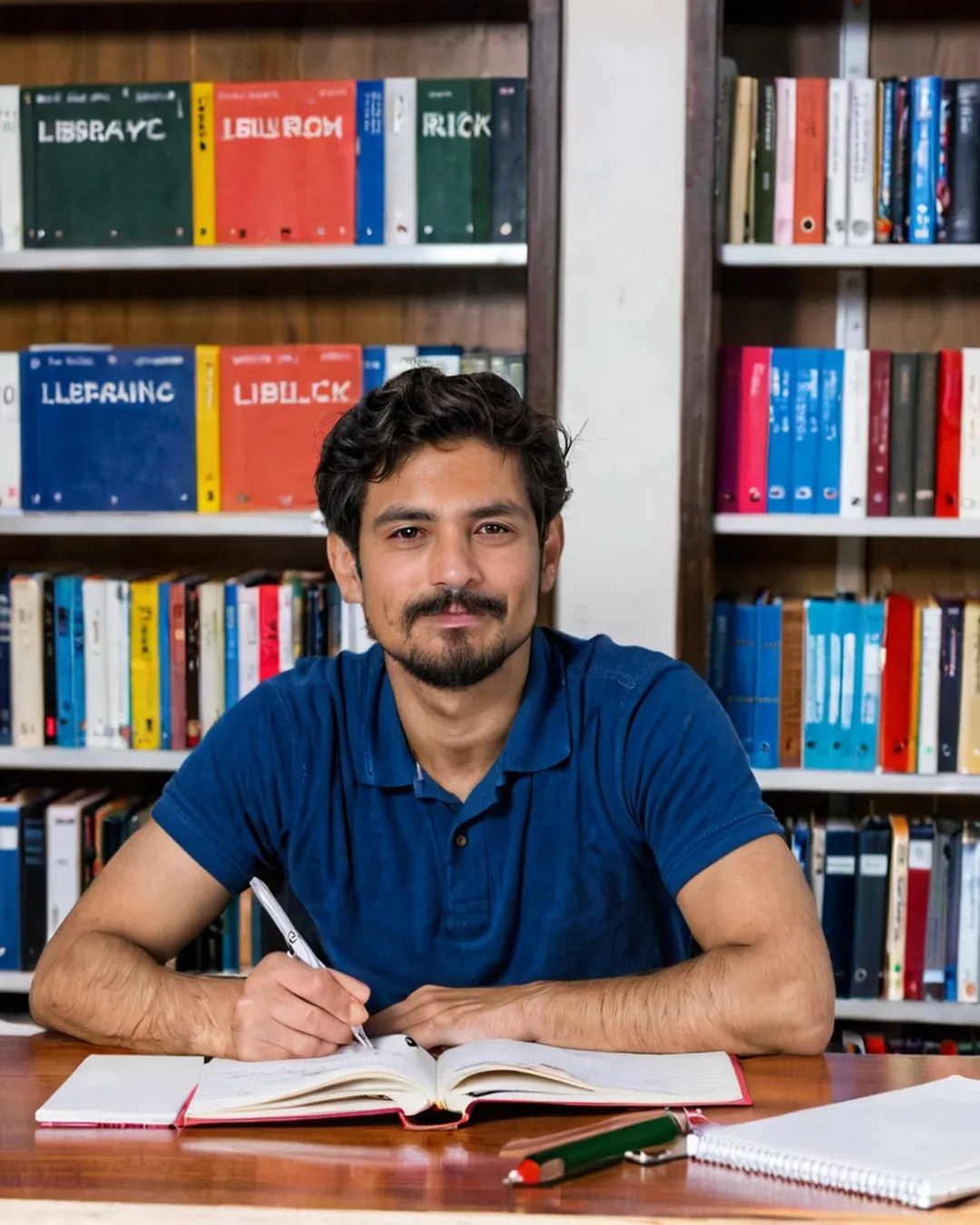
Library study AI Photo Prompt
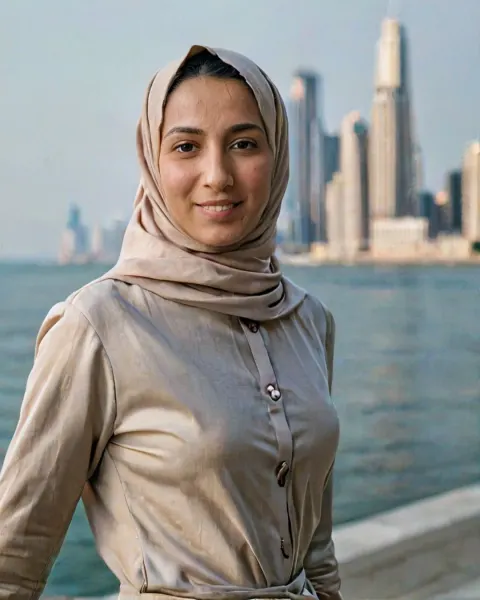
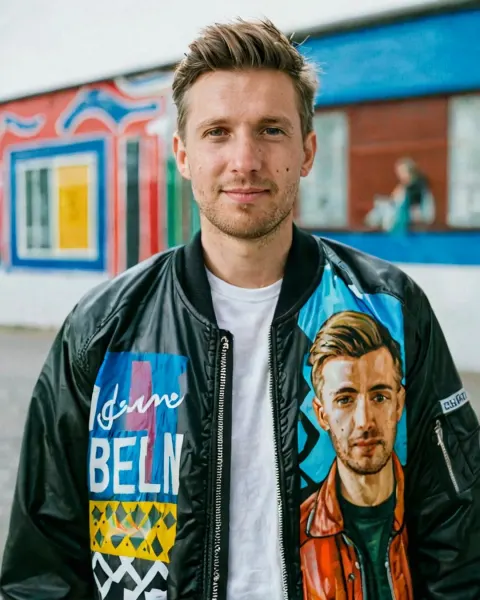
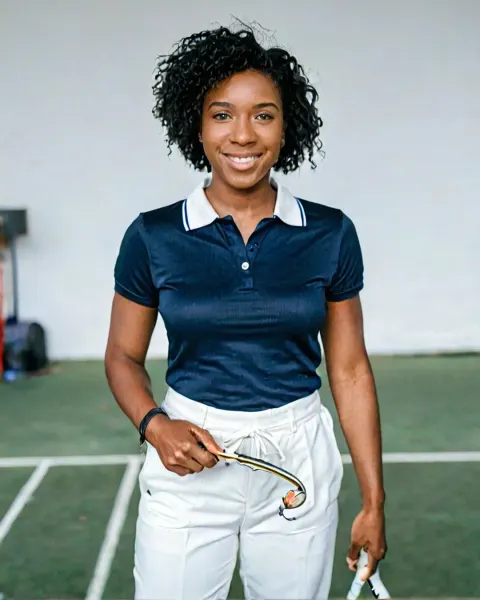
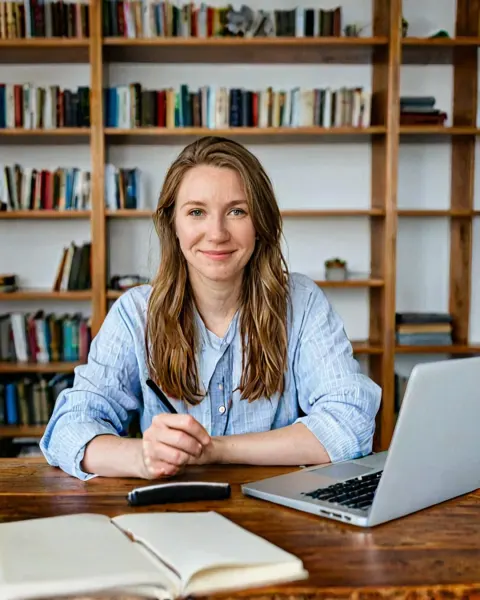
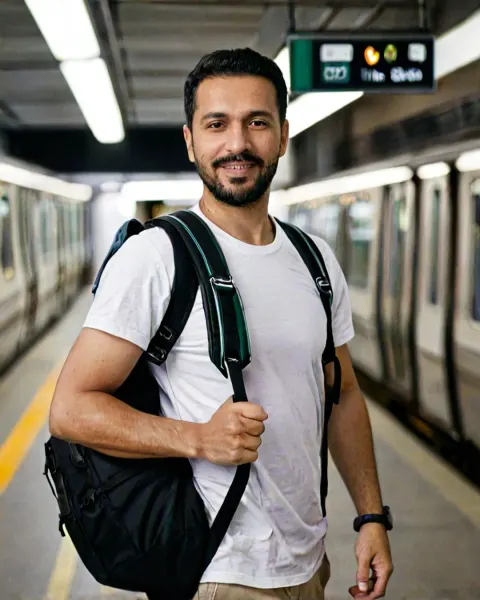
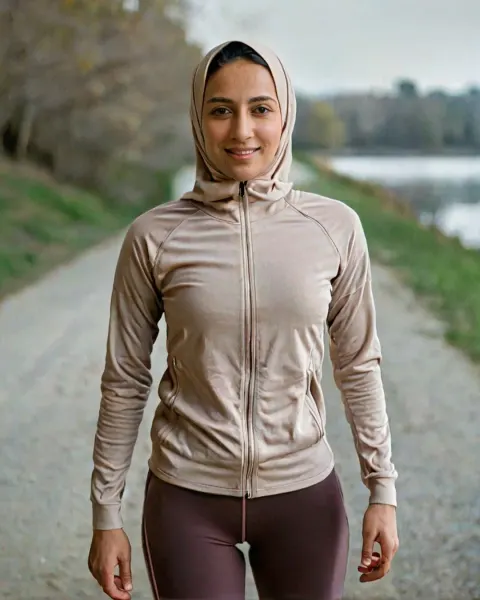
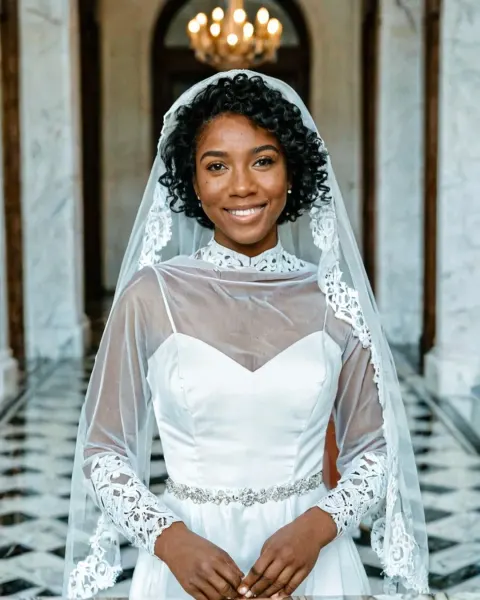
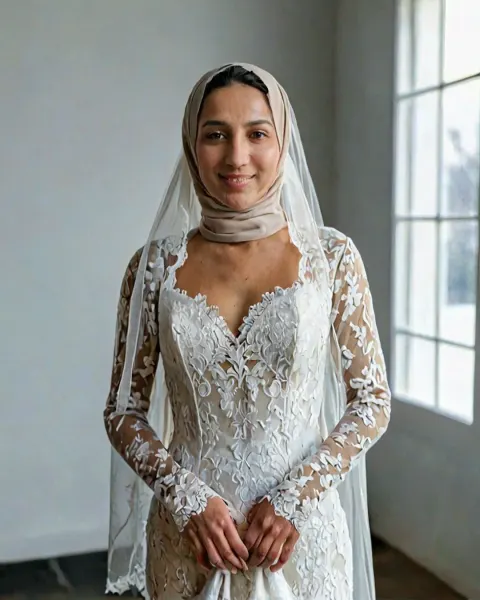
Library study AI image prompt. Paste it in Gemini or ChatGPT with one selfie to create a candid photo of you studying at a library table with notebooks.
The prompt
Using the uploaded photo, create a candid everyday photo of the same person studying at a library table with notebooks and a laptop, pen in hand. Shot on a mid-range digital camera with natural settings, even library lighting. Keep the face, features, skin tone, age, hairline and body shape exactly as in the uploaded photo. Make it look like a real, unedited photo: real skin with pores, fine lines and natural shine, a few stray hairs, real fabric wrinkles, natural colours, slightly imperfect framing and mild camera noise. No beauty filter, no retouching, no smooth plastic skin, no perfect symmetry, no glossy or cinematic AI look. Nobody should be able to tell it is AI.
Category: Realistic AI Photo Prompts