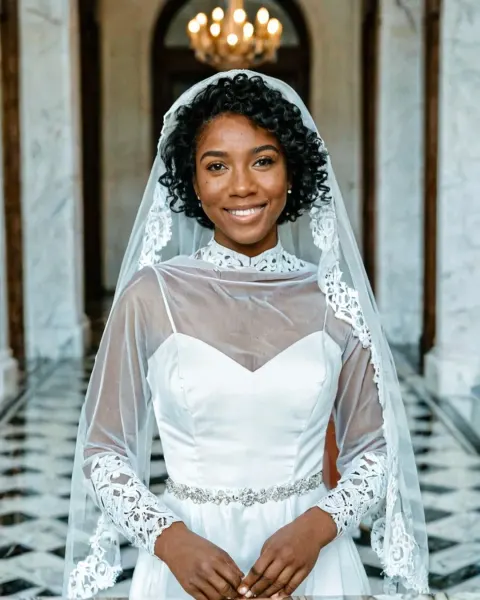
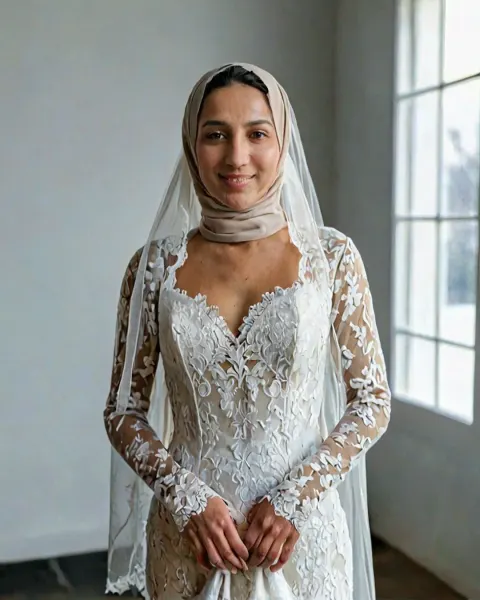
Royal Renaissance painting AI Photo Prompt
Free Royal Renaissance painting AI prompt for Gemini and ChatGPT: upload your photo and get a museum-worthy Renaissance royal oil painting.
The prompt
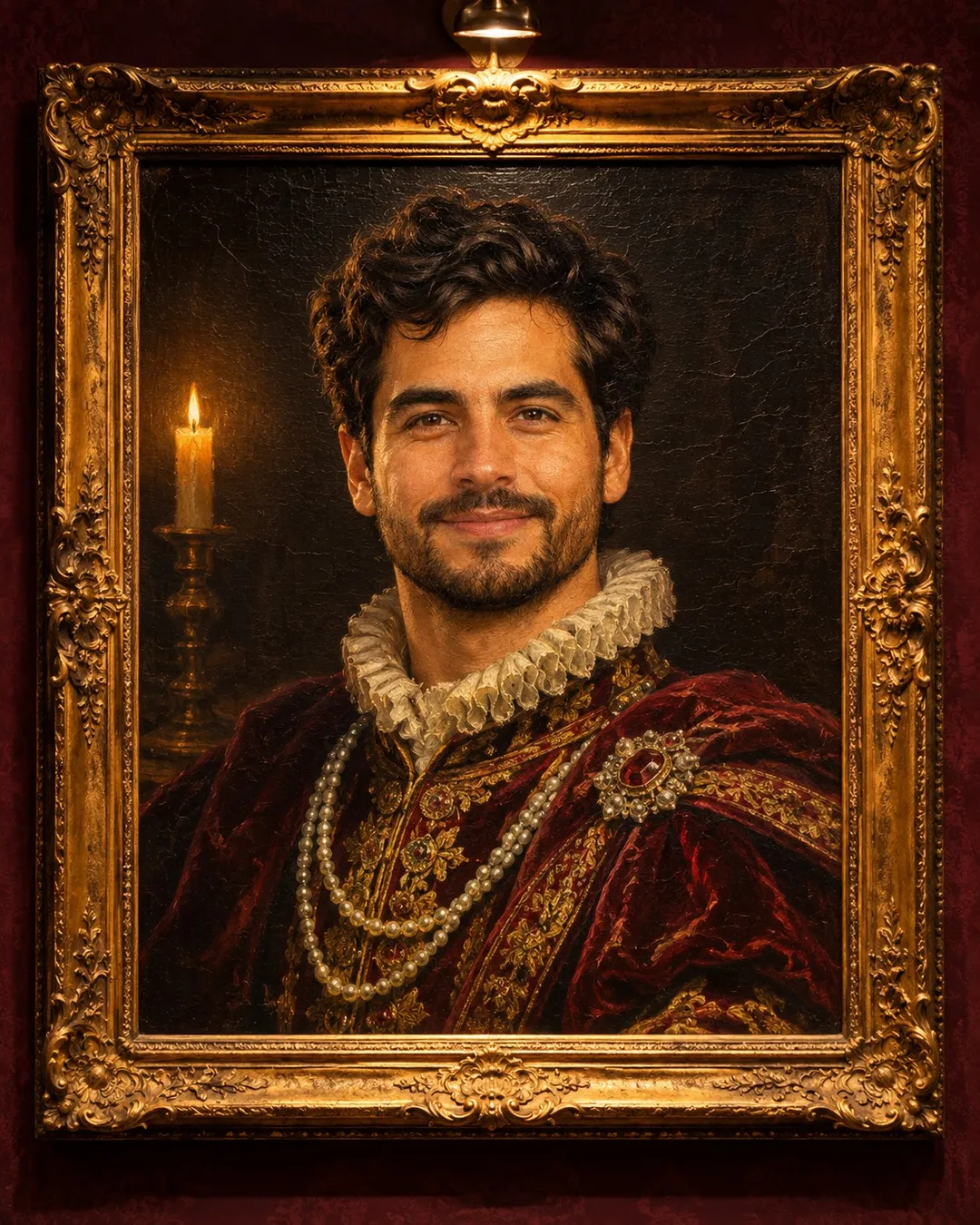
Transform the uploaded photo into a museum-worthy Renaissance royal oil painting: rich velvet clothing with pearls, dark moody background, warm candle light, visible brush strokes and cracked varnish, hung in an ornate gold frame on a museum wall with a small spotlight. Keep the face exactly as in the uploaded photo.
Category: AI Portrait Photo Prompts
About this look
This prompt turns one photo of you into a museum-worthy Renaissance royal oil painting: rich velvet clothing with pearls, dark moody background, warm candle light, visible brush strokes and cracked varnish, hung in an ornate gold frame on a museum wall with a small spotlight. The light is warm candle light. It is an art-style prompt, so the result is a drawing, render or toy rather than a photo, while your face stays recognisable. Use it when you want a magazine-style portrait without booking a studio.
How to use it in Gemini or ChatGPT
- Tap Copy prompt above.
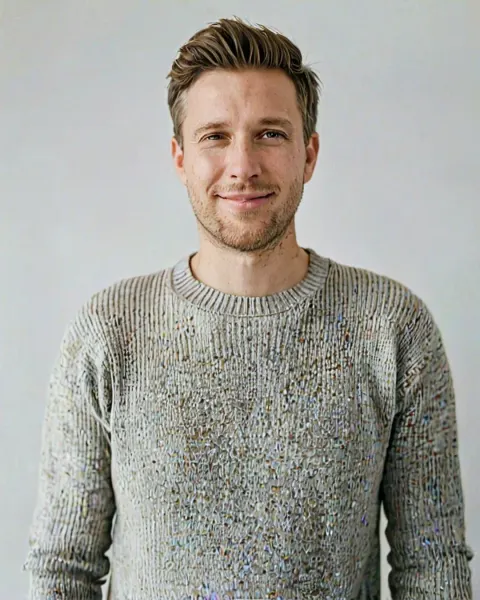
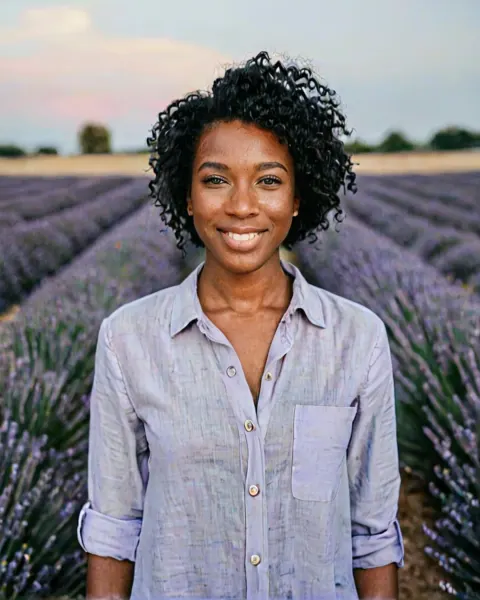
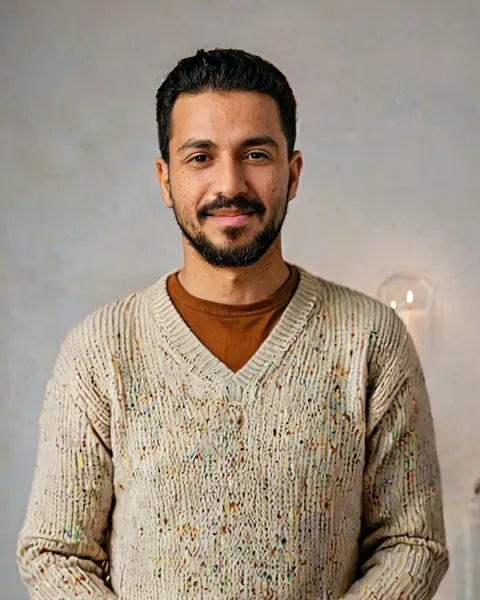
- Open Gemini or ChatGPT, tap + and upload a clear, front-facing photo of yourself.
- Paste the prompt and send it. The image is ready in under a minute.
- If a detail is off, reply with the fix in plain words (for example "keep my face exactly as in the photo") instead of starting over.
Tips for the best result
- Start with one clear, front-facing photo in daylight. Avoid group shots, heavy filters and sunglasses.
- Ask for a 4:5 portrait crop for Instagram, or 9:16 if you want it as a phone wallpaper.
- Art-style prompts keep your features, not every skin detail. A photo with a clear expression gives the most recognisable character.
Try these variations
- Another place: move the scene to a flower-filled park and keep the rest of the prompt the same.
- Other art styles: ask for the same scene in Studio Ghibli-inspired watercolour or Pixar-style 3D style.
- Make it a gift: add "printed as a framed poster on a wall" to see it as a real print.
Questions about this prompt
Do I have to pay for the Royal Renaissance painting prompt?
No. The prompt is free. Gemini and ChatGPT both let you create images on their free plans, with daily limits.
Will I still look like myself in the Royal Renaissance painting result?
Yes, your features stay recognisable, but skin and proportions follow the art style. A clear, front-facing photo gives the closest likeness.
What kind of photo should I upload for Royal Renaissance painting?
A recent, sharp photo of your face looking at the camera in soft daylight, without sunglasses or beauty filters.