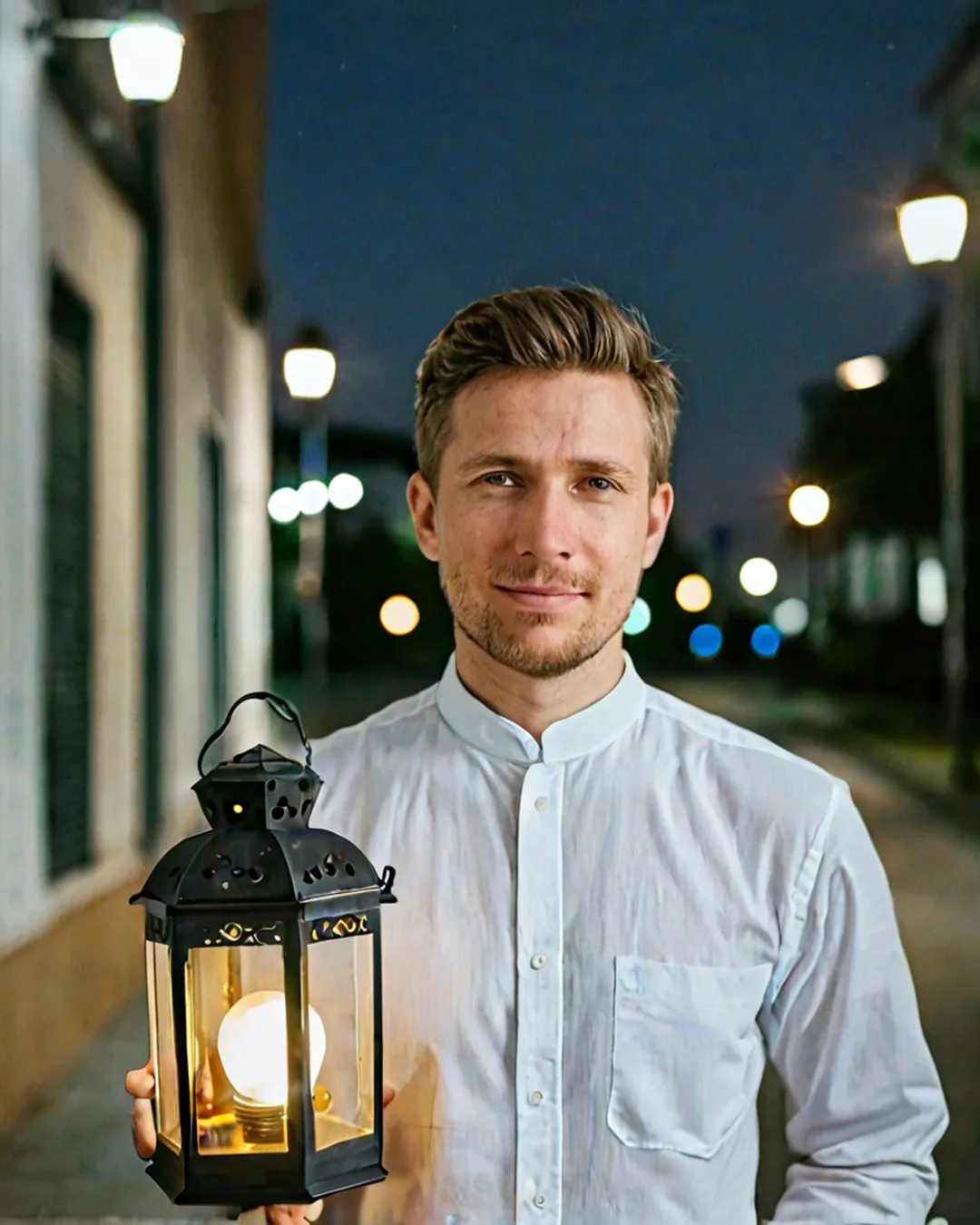
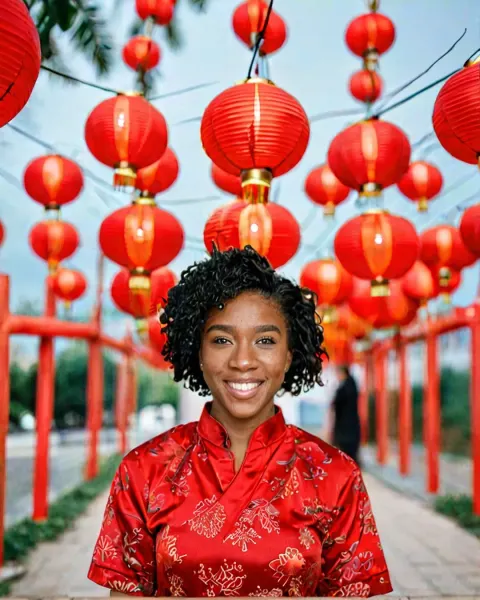
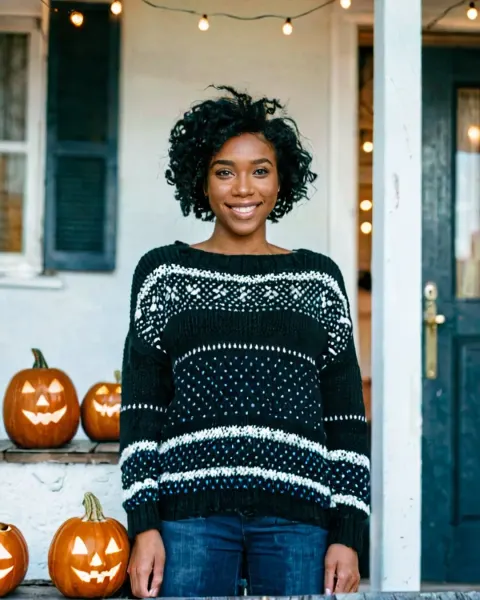
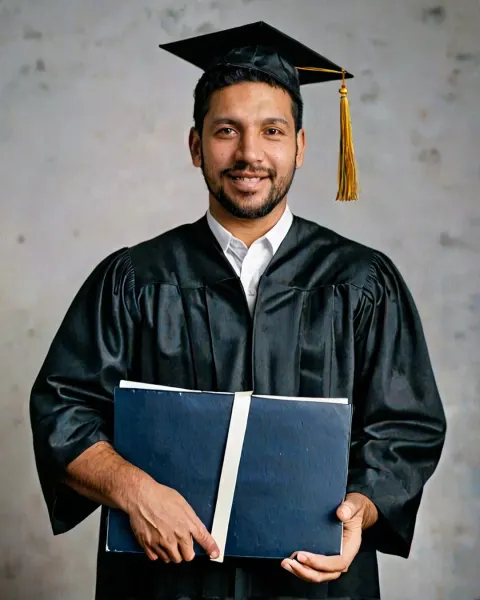
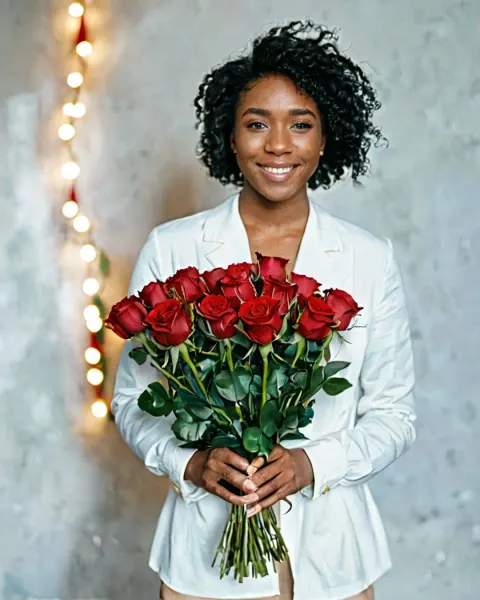
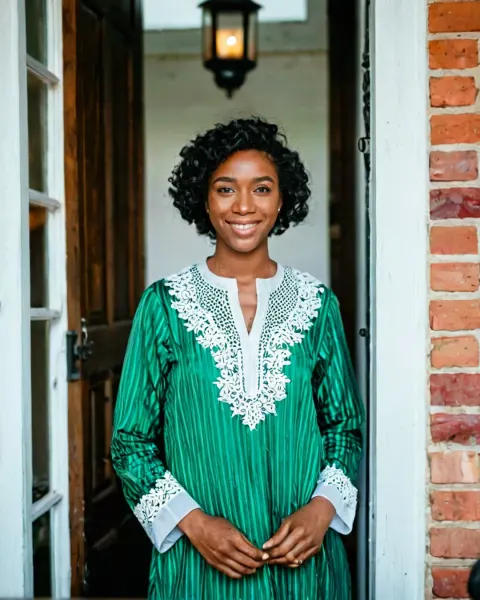
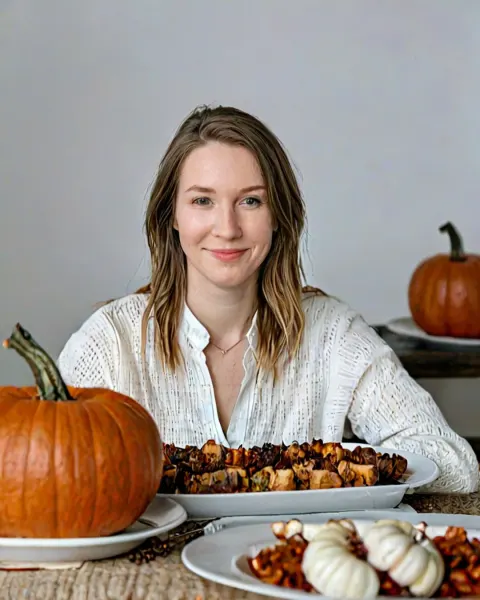
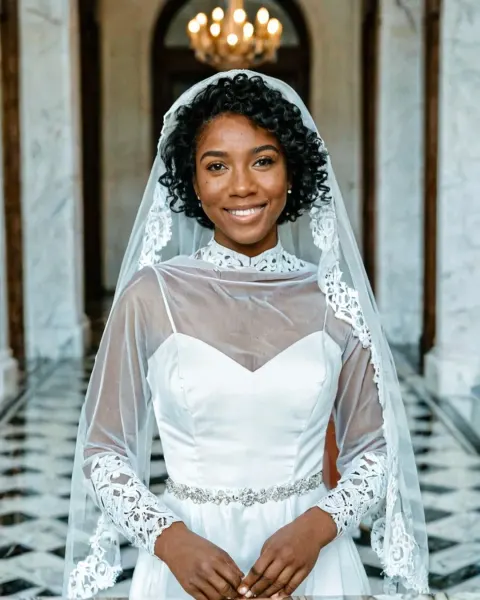
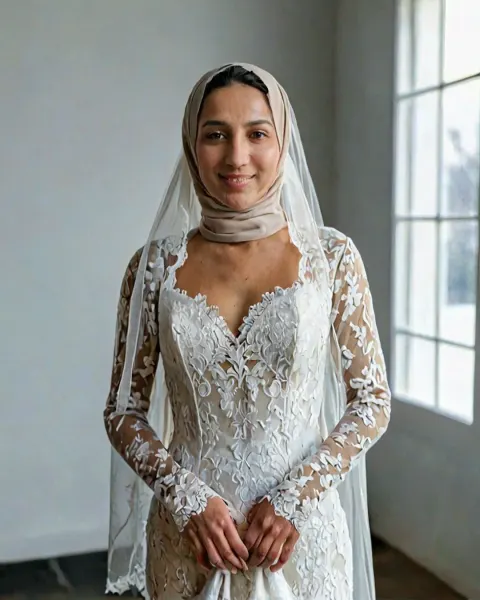
Ramadan lantern evening AI Photo Prompt
Ramadan lantern evening: a festival AI photo prompt for a Ramadan evening portrait holding a glowing lantern on a decorated street. Works in Gemini and ChatGPT.
The prompt
Turn the uploaded photo into a Ramadan evening portrait holding a glowing lantern on a decorated street. Only this one person in the image. Keep the face exactly as in the uploaded photo: same features, skin tone, age and hairline. Make it look like a real photograph, shot on a full-frame camera with a 50mm f/1.4 lens. Natural skin texture with visible pores, real hair strands, true-to-life light and shadows, natural hands with five fingers each and a relaxed grip, correct body proportions. No airbrushed or plastic skin, no over-smoothing, no CGI or AI-art look.
Category: Festival AI Photo Prompts · Trending
About this look
This prompt turns one photo of you into a Ramadan evening portrait holding a glowing lantern on a decorated street. The camera line asks for a full-frame camera with a 50mm f/1.4 lens. The ending keeps skin and hair natural, so it reads as a real photo. It is ready for a festive WhatsApp status, a greeting card or a family group post.
How to use it in Gemini or ChatGPT
- Tap Copy prompt above.
- Open Gemini or ChatGPT, tap + and upload a clear, front-facing photo of yourself.
- Paste the prompt and send it. The image is ready in under a minute.
- If a detail is off, reply with the fix in plain words (for example "keep my face exactly as in the photo") instead of starting over.
Tips for the best result
- A sharp photo where your face fills a good part of the frame gives the most accurate result.
- Hands are where AI slips most. If the fingers look odd, reply "fix the hands, five natural fingers" instead of starting again.
- Night and low-light scenes can make the face too dark. If that happens, add "face softly lit" to the end of the prompt.
Try these variations
- Add a light: put "neon signs reflecting on wet streets" at the end of the first sentence for a dramatic night mood.
- Pick the outfit: add "wearing a cosy knit sweater" so the AI does not choose for you.
- Couple version: upload a photo of you both and write "the couple" instead of "the person", plus "keep both faces exactly the same".
Questions about this prompt
Is the Ramadan lantern evening prompt free to use?
Yes, it is free to copy and use in Gemini, ChatGPT or any AI app that takes a photo plus text. Your photo goes only to that AI app, never to Promptora.
Will the Ramadan lantern evening prompt keep my face the same?
It has a line that tells the AI to keep your face, skin tone, age and hairline as in your photo. Use one sharp, well-lit photo; if the face drifts, ask it to match the photo more closely.
Which is better for this prompt, Gemini or ChatGPT?
Both work. Gemini often gives more natural skin, and ChatGPT follows detailed scenes closely. If one result looks off, paste the prompt in the other app.