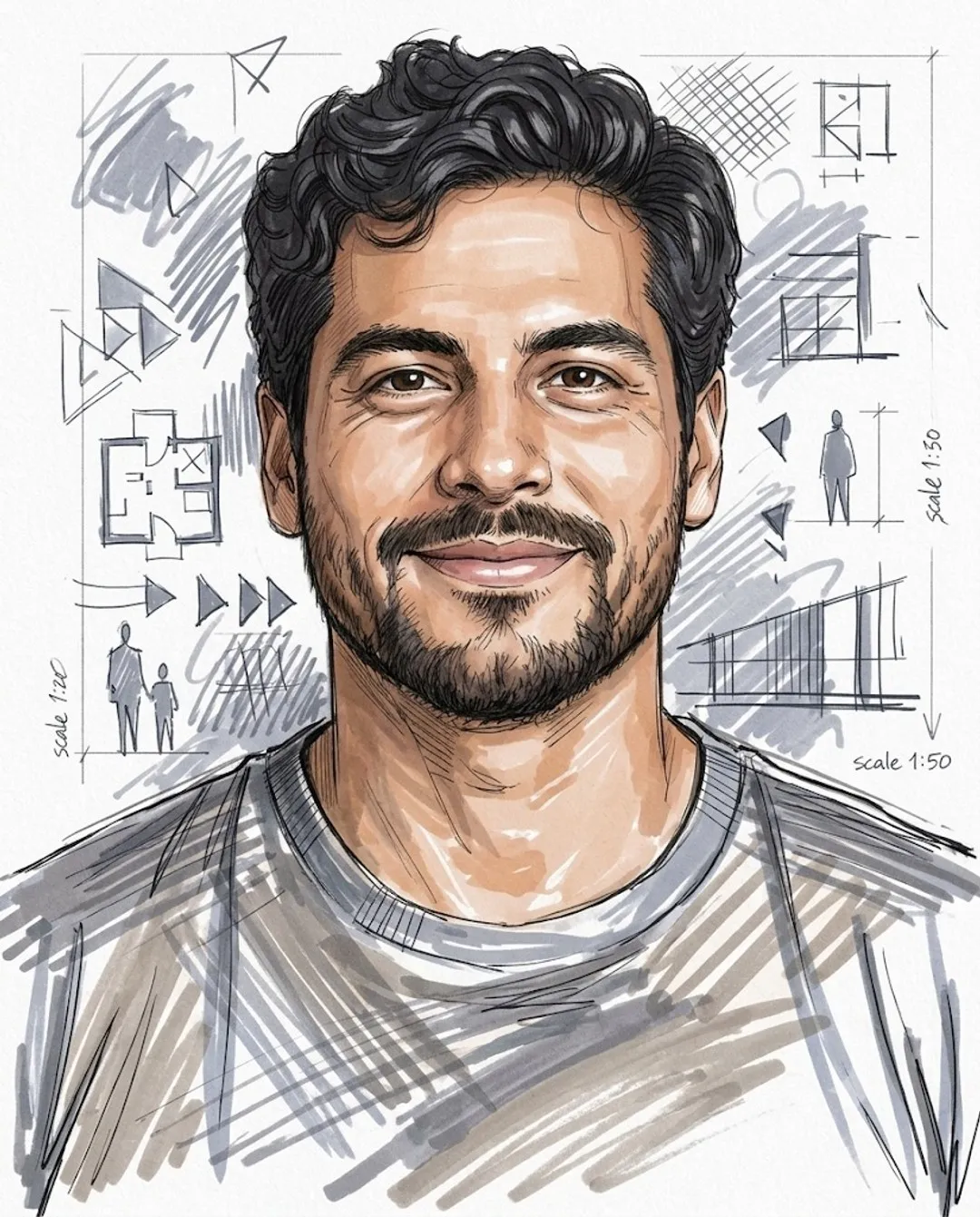
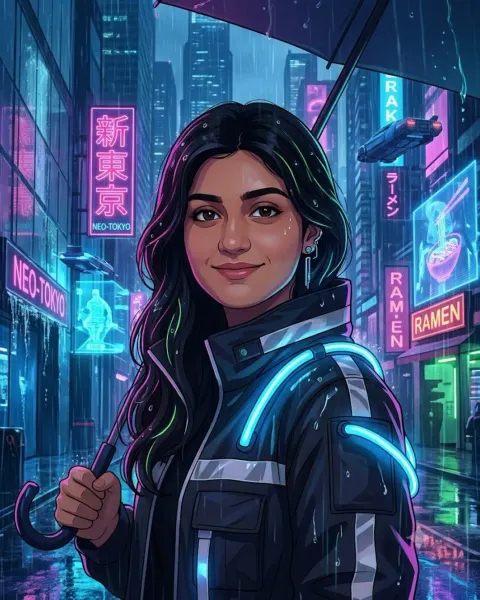
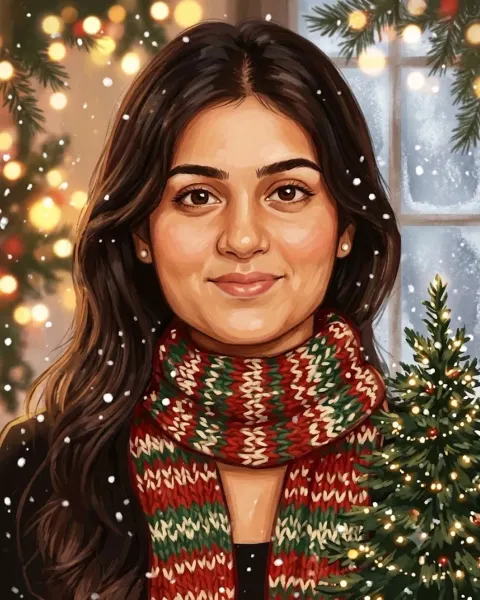
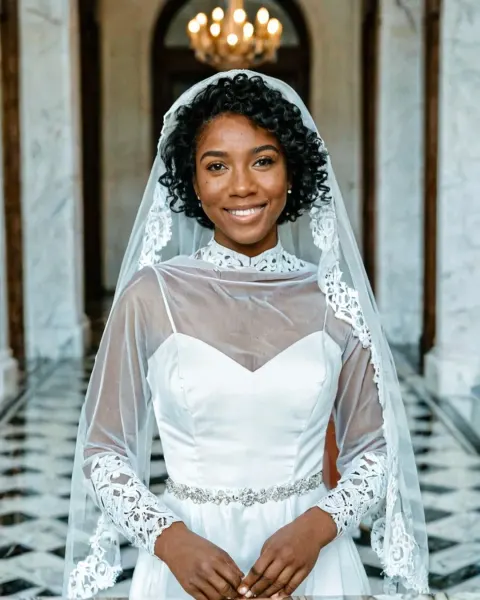
About this look
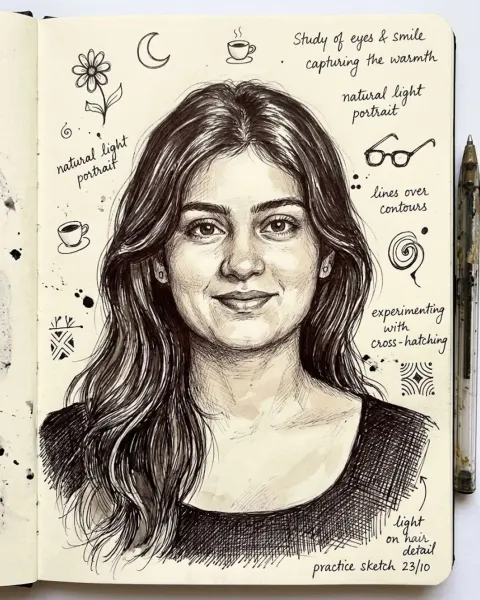
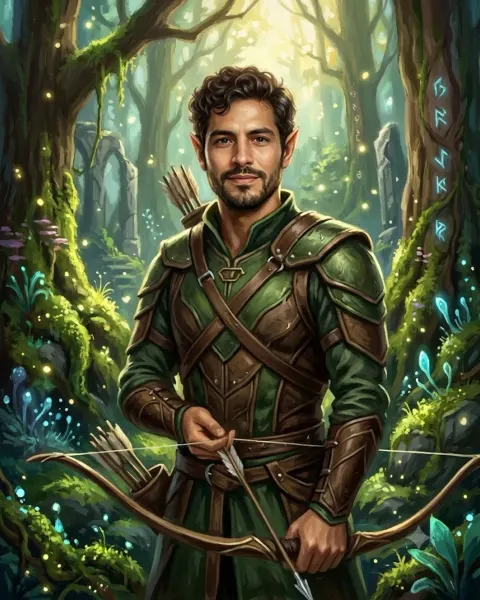
This prompt turns one photo of you into an architect-style marker sketch of you with loose lines and grey marker shading. It is an art-style prompt, so the result is a drawing, render or toy rather than a photo, while your face stays recognisable. Art-style results like this make great profile pictures, phone wallpapers and fun gifts.
How to use it in Gemini or ChatGPT
- Tap Copy prompt above.
- Open Gemini or ChatGPT, tap + and upload a clear, front-facing photo of yourself.
- Paste the prompt and send it. The image is ready in under a minute.
- If a detail is off, reply with the fix in plain words (for example "keep my face exactly as in the photo") instead of starting over.
Tips for the best result
- Use a recent photo in soft natural light; harsh shadows and beauty filters confuse the AI.
- If the art style drifts back to a photo, start a new chat and paste the prompt again; long chats tend to mix styles.
- Art-style prompts keep your features, not every skin detail. A photo with a clear expression gives the most recognisable character.
Try these variations
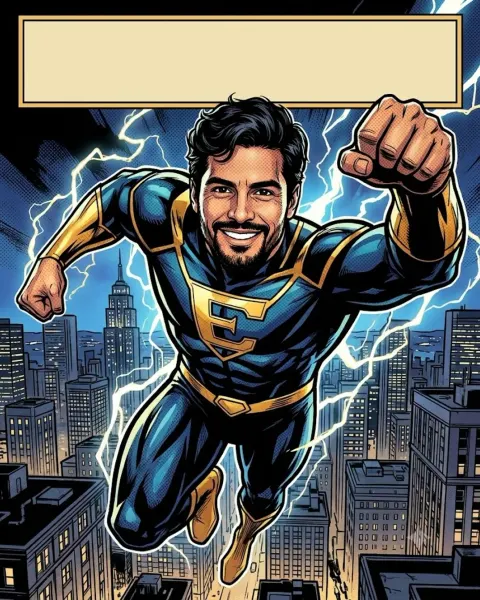
- Other art styles: ask for the same scene in pop-art comic or claymation style.
- Make it a gift: add "printed as a framed poster on a wall" to see it as a real print.
Questions about this prompt
Is the Architect style sketch prompt free to use?
Yes, it is free to copy and use in Gemini, ChatGPT or any AI app that takes a photo plus text. Your photo goes only to that AI app, never to Promptora.
Will I still look like myself in the Architect style sketch result?
Yes, your features stay recognisable, but skin and proportions follow the art style. A clear, front-facing photo gives the closest likeness.
Which is better for this prompt, Gemini or ChatGPT?
Both can do it. Gemini usually keeps the face closer for toy and cartoon looks, while ChatGPT follows long style descriptions very literally. Try both.